Secret Mobile Page

Congratulations on finding the secret mobile page! To access this page, all you need to do is click the menu button twice.

For now, might I suggest the About Me option, or perhaps take a peak on the code, You can always find your way back here

Every single page from the menu you've visited are nothing but blank canvas for however you want your site to be. Another good reason to add to the list of why you might want to hire a web developer

More users browse the web on phones than ever before, and that's a trend that keeps increasing. Having a fast, sleek, and captivating design that keeps users attention without being too much is a must. Nothing makes people more annoyed than a slow website. And no one wants to be on a site that doens't engadge you back!

Hello there

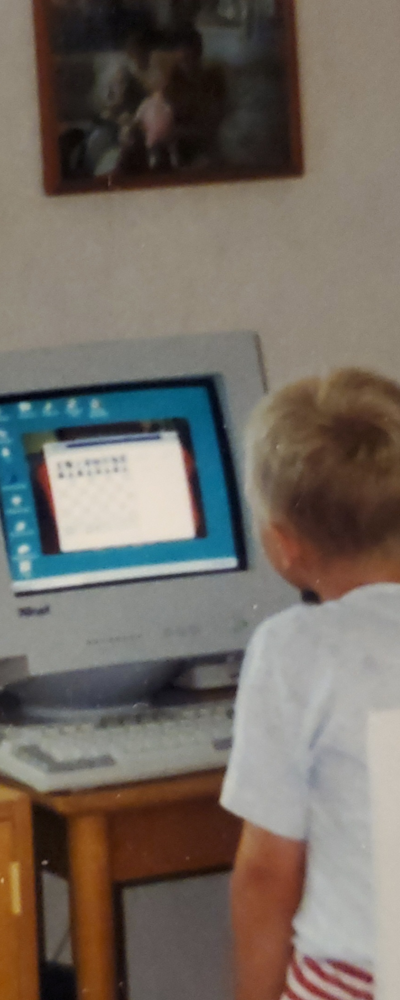
My name is Oskar Sjödin and for as long as I've remembered (literally), I've been interested in computers and IT. It always fascinated me, and I've always been incredibly curious about everything, so naturally, I quickly gravitated towards exploring computers.

My early years consisted of exploring tons of different softwares, and games, aside from the other kid-stuff you do. Be it creating a cool picture in Photoshop, Building a tree house, converting songs from my CD's to my MP3 player, or getting that wheel and pedals to work in the car game I liked. I knew what I wanted to do, but I didn't know a lot of english, despite that, I always found a way to figure it out (somehow).

That was then, and now is now. I'm a bit older, 32 to be more precise. But the my curiosity for how things work, and my passion for IT and creating things still remain. And my curiosity of the world around me and the tools we use to achieve what we do, is just as strong as ever.

Take this site for example, It started out as a simple little test, a proof of concept, and by the end, I just wanted to see if I could do it. You could turn off your internet connection and still navigate the entire website just fine. Everything is already loaded.

Because this website does not consist of multiple pages waiting to be loaded. It's just one page. Albeit with a touch of prestidigitation to make it look like multiple pages.

So what? You might think. Well, it was a funny idea of creating a website that functions a bit differently behind the scenes, I doubt you tried it, but if you press your arrow keys, you'll flip from page to page, I just thought it looked neat. Sometimes, you just gotta follow through on your experiments, at the very least, you always learn something new.

Behind the page

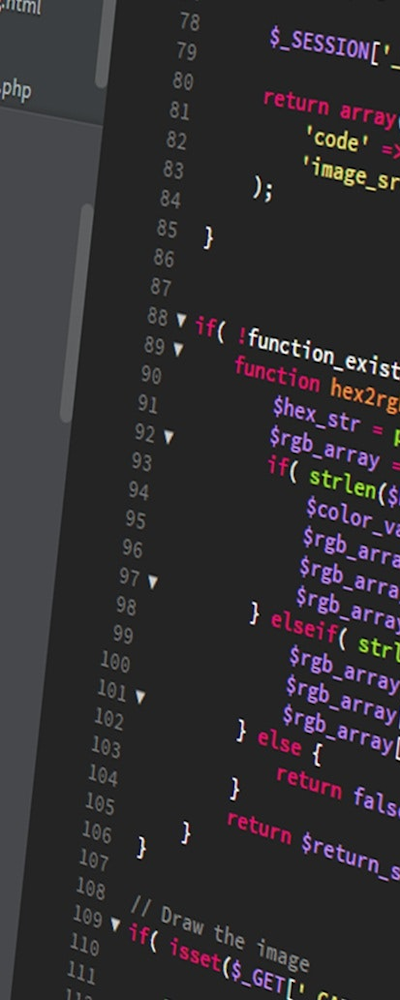
Behind the page is just a bit of simple JS and PHP to make editing easy with some responsive CSS for mobile users. While it might look a bit funny if you change the size of the browser too much, a refresh will fix that. Something to sort out in the future for sure.

The point of this is to make the website quick and easy to load, and once loaded, you can go back and forth between the pages without having to refresh everything, as another note for the future, is to add pretty links for each category e.g. www.website.com/Aboutme something that got lost during the recovery of an older version of this site.

And last but not least, I suggest you also open the website on your phone, Turns out that more than 50% of all website traffic these days comes from mobiles. So with that in mind, why on earth has other websites not done what I did? And put the menu in the bottom of the page. Do they think people enjoy reaching with their thumb all across the screen to hit something in the top right corner?

No more of that! Enjoy the easy menu, the quick mobile landing page, bit of a concept more than anything, but we gotta try some new stuff to see what sticks

Our latest, your first!

Summary of known issues

Safari misalignment:

boxes and some slide objects are misaligned in older safari browser, I suspect it's a margin/padding issue.


Summary of the latest updates and fixes

Performance Enhancements:

Optimized Slide function, resulting in smoother and faster load times and improved responsiveness across window-sizes

Content/functionality:

New unique mobile landing page, acessable only as landing page and with the fast(er) menu double tap. Making it fast and easy to access a certain feed.

Bug Squashing:

Images should now cover the entire menu when going from small screen to large screen instead of staying at their initial size upon load.

Read more:

Now functional as intended on all devices, including very old ones


Why hire a web developer?

Content Management System (CMS) tools such as Wordpress, Joomla, Squarespace & many more, have revolutionized the way websites and online platforms are created and managed, and made web design more available. I've worked with most of them, and there are so many great pre build functions. However, it is important to recognize that CMS tools also come with their fair share of disadvantages.

1. Limited Customization:

One of the primary disadvantages of CMS tools is the limited customization options they offer. While CMS platforms provide a variety of templates and themes, they often restrict the ability to customize the design and layout extensively. Users may find themselves constrained by the predetermined options and struggle to achieve a unique and tailored website appearance.

2. Performance Limitations:

CMS tools can introduce performance limitations, particularly when it comes to website speed and responsiveness. The additional layers of code and plugins required by CMS platforms can slow down website loading times. Moreover, as CMS tools are designed to accommodate a wide range of functionalities, they may generate bloated and inefficient code, negatively impacting overall performance.

3. Security Vulnerabilities:

While CMS tools aim to provide secure environments, they can be susceptible to security vulnerabilities. Hackers often target widely-used CMS platforms, exploiting weaknesses in their code or plugins. Failure to promptly update CMS software or install security patches can leave websites vulnerable to cyber attacks, potentially resulting in data breaches or defacement.

4. Learning Curve and Dependency:

CMS tools, despite their user-friendly interfaces, often have a steep learning curve. Users must familiarize themselves with the platform's functionalities and sometimes even learn basic coding concepts. Additionally, reliance on CMS tools can create a dependency, making it difficult to transition to a different system or to implement custom functionalities not supported by the CMS platform.

5. Limitations in Scalability:

As websites grow and expand, CMS tools may present limitations in terms of scalability. Handling large volumes of content or accommodating complex e-commerce requirements can strain the capabilities of some CMS platforms. Scaling up the website's infrastructure or implementing custom features may require significant modifications to the CMS codebase, leading to potential compatibility issues and increased development costs.

6. Cost and Licensing:

While many CMS tools offer free or open-source versions, certain advanced features and functionalities may come at a cost. Licensing fees for premium CMS versions or additional plugins can accumulate over time, increasing the overall expenses associated with using CMS tools. Small businesses or individuals on a tight budget may find these costs prohibitive.

Contact Information

Like what you see?

I'm more than happy to listen to your ideas and thoughts, but I'm no mind-reader.
Luckily, all my contact information is right here so you can let me know what you think!


Let's talk about it!

Projects

Collaborations

Questions

Oskar Sjoedin

oskar.sjodin@live.com